VissuBack to home

Changelog

New features, improvements and fixes in Vissu.

v0.1.2

Better widget dragging on phones and tablets

Move widgets from anywhere with a long press, without leftovers on the screen, and a tighter mobile landing.

Editing your page on a touch screen should feel as good as on a computer. This round is all about that.

  • Drag from anywhere. On phones and tablets, press and hold any part of a widget to pick it up. A quick swipe still scrolls the page as usual.
  • No more stuck ghosts. Moving a widget used to leave a faded copy of it on the screen. Dropping, cancelling or switching apps now always leaves your grid clean.
  • Feedback you can feel. A short vibration confirms when a widget is picked up and when its new position is saved, on devices that support it.
  • A tighter landing page on mobile. The big empty space under the demo is gone, and every section now has the same breathing room.
v0.1.1

Smoother profile saves and onboarding fixes

Saving your profile no longer makes you wait, and skipping an onboarding step keeps what you typed.

A round of fixes for the things that felt slow or lost your work.

  • Profile saves feel instant. When you change your photo or cover, the dialog closes right away and your page shows the new image while it uploads in the background. If something goes wrong, your previous profile comes back with a message.
  • Skipping onboarding steps keeps your data. Choosing "Skip for now" used to clear your photo, name and description, so going back and pressing Continue saved nothing. Everything you entered now stays in place.
  • Faster saves. Old images are cleaned up after your profile is saved, so you wait less.
  • Help menu. The link to X now opens the right profile.
v0.1.0

Light and dark themes, a new Settings dialog and faster uploads

Make Vissu feel like yours, manage your account in one place, and upload images without waiting.

Vissu now has a Light and a Dark theme, and a Settings dialog that puts your account in one place.

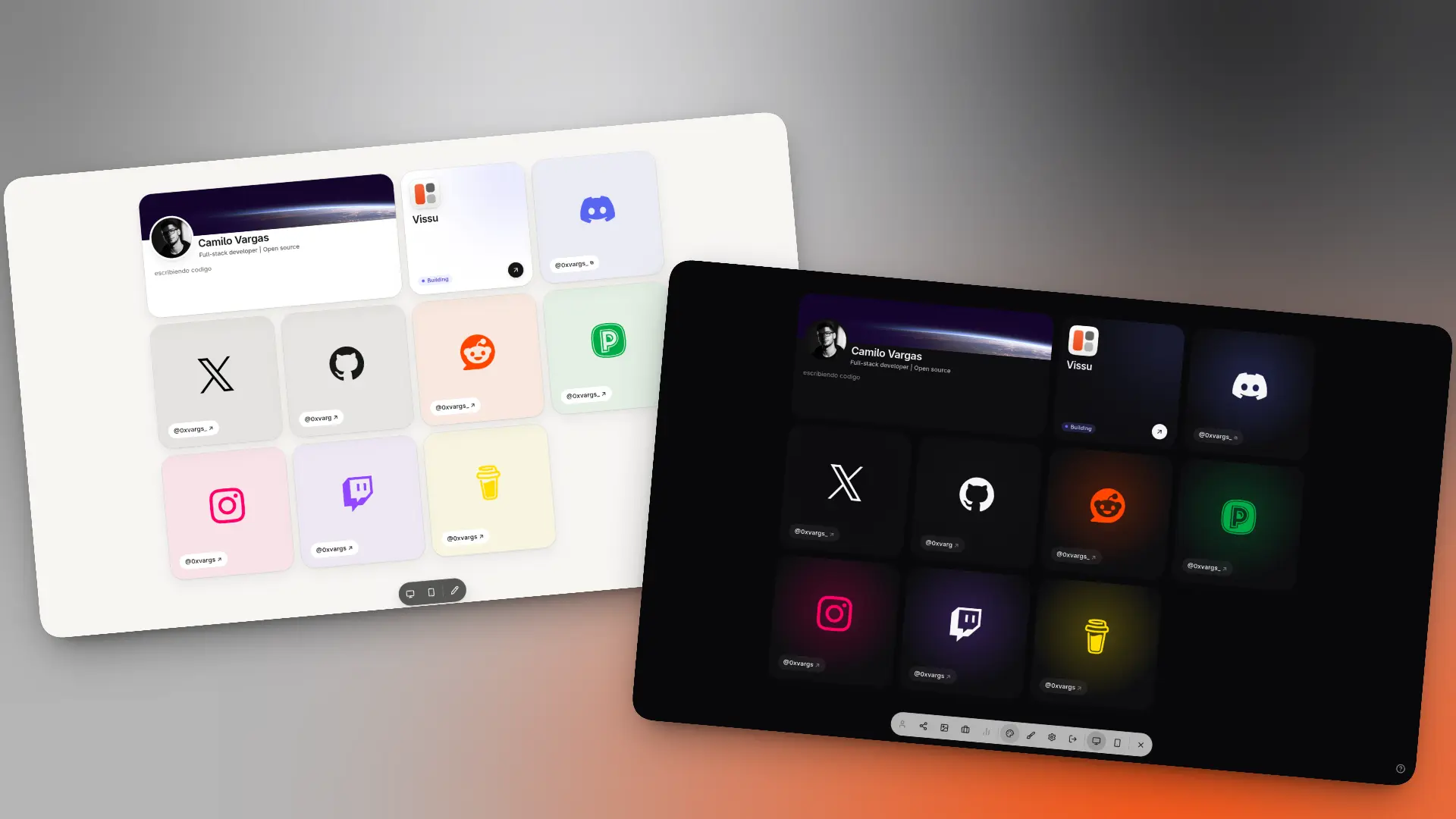
Light and dark themesLight and dark themes

  • Light and Dark themes. Switch from the dock dropdown or from Settings > Appearance.
  • Profile. Change your username and display name right from Settings.
  • Security. See your real list of active sessions and revoke any of them.
  • Danger zone. Delete your account and its data whenever you want.
  • Faster image uploads. Images are now compressed in the background, so uploads no longer block you.